|
|
#1 |
|
I don't get no respect
Join Date: Jun 2006
Age: 34
Posts: 1,332
|
Why should I add silence to my FFR Submission?
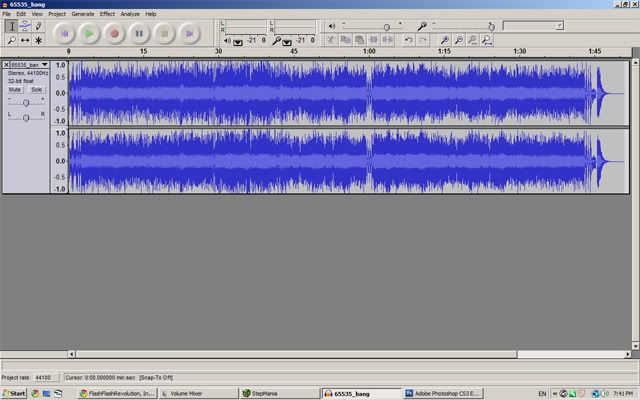
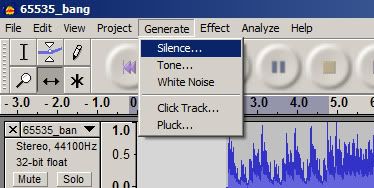
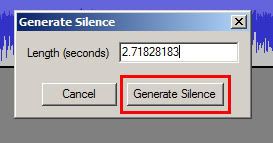
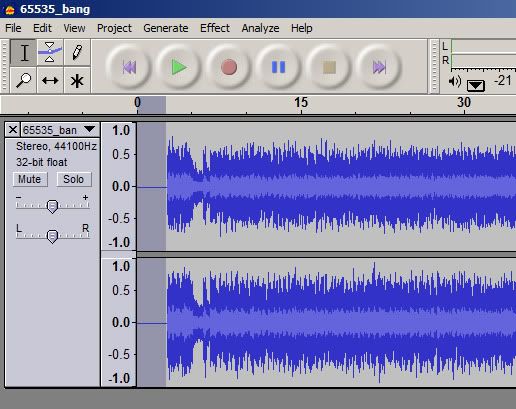
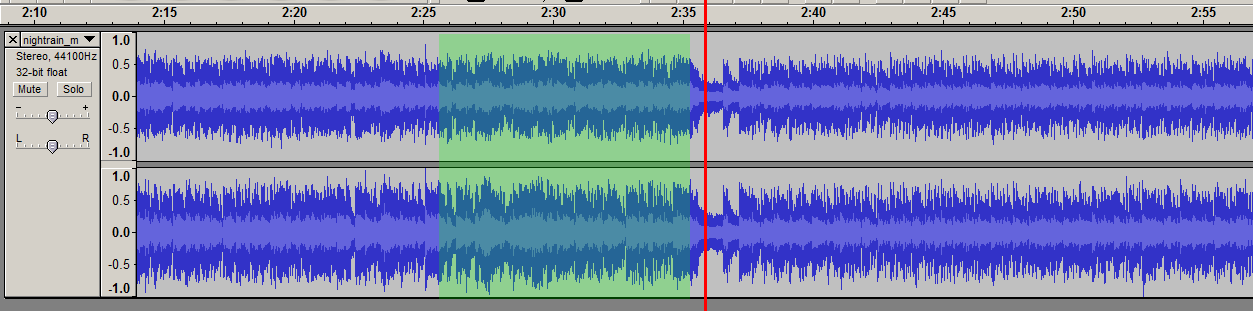
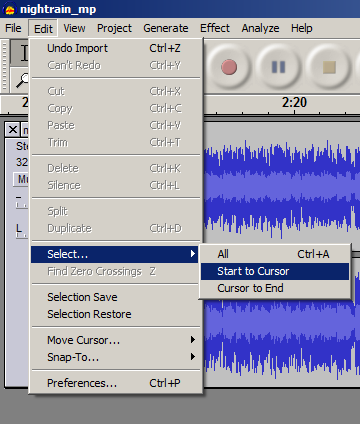
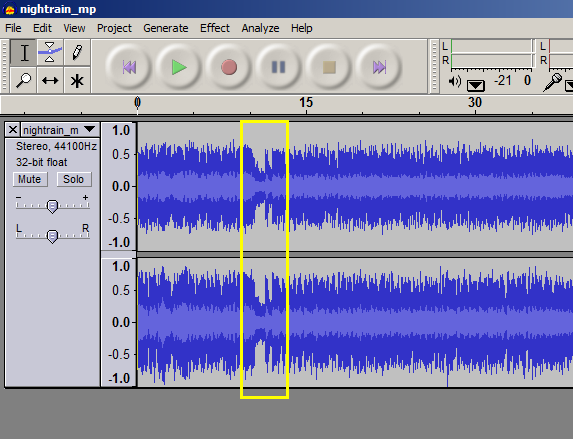
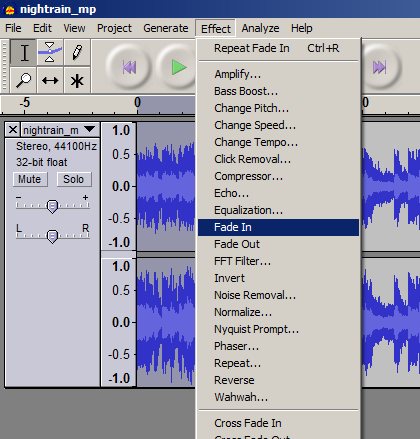
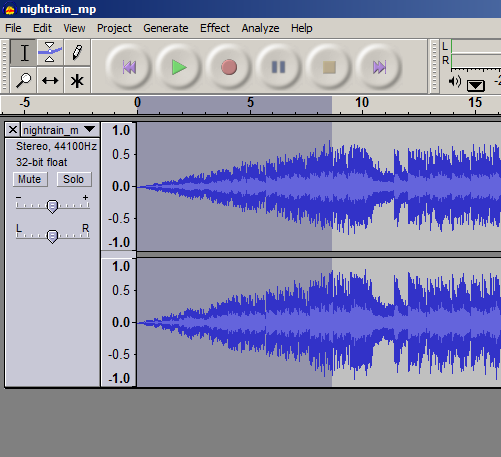
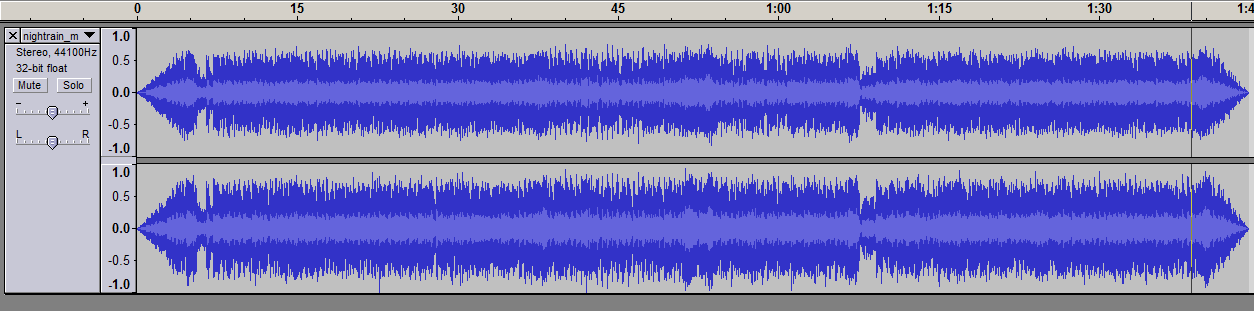
The converter that converts your Stepmania file into a FFR file "removes" the first few seconds from the start of the music file. If you do not allow room for this, then your file will be missing the first few arrows when it is played in FFR, making it feel awkward in the first few seconds. (see Infernoplex, Lunar Saturation, .....) More technical details here Do I really need to add silence? Usually, yes. But.. If your song already has at least 2 seconds of silence at the beginning then you don't need to add additional silence. If you are stepping a song that has an intro of 2 seconds or more before you plan to begin stepping, then you don't need to add silence, although the intro will be cut. Otherwise, you will need to add silence. You will need: Audacity: http://audacity.sourceforge.net/download/ LAME mp3 Encoder for Audacity: http://lame1.buanzo.com.ar/ Both of these are free! And available on Windows, Mac, and Linux! Yay! Install them according to their respective instructions, then open up Audacity. Adding the Silence Go to File -> Open and browse for your song. You should now have the waveform in Audacity! Cool! ![]() Now all we have to do is go to Generate -> Silence ![]() And put in 2 seconds. (You can put in a bit more if you like, but stick with between 2-3 seconds) ![]() And click Generate Silence! You should get something that looks like this ![]() That's all we need! Hit File -> Export as MP3 to save your handiwork! Save to the same location and overwrite the old mp3 for extra easiness! And we're done with Audacity! Woohoo! Are we completely done yet? That depends. If you haven't started stepping your song yet, then we are done! Yay! We can now step our song normally. If you have started stepping your song then no, but almost! Because we added silence to the beginning, we have to adjust the beat 0 offset either in Stepmania or in DDReam Studio. Make sure to reload songs (Options -> Reload Songs/Courses) in Stepmania after you save your mp3 from Audacity. Then you can adjust the offset from there. In either case, subtracting the amount of silence that you added can be used as a baseline for determining the beat 0 offset. It is not exact due to the nature of audio editors, as well as any possible silence that was at the beginning of the song before we edited it. You will still have to dial in the correct offset by ear or using DDReam. Refer to any one of these guides for how to set the beat 0 offset: http://www.keybeatonline.com/forums/...read.php?t=868 http://www.flashflashrevolution.com/...ad.php?t=72047 ..other guides? Other Audacity Tricks Update History: 21/12/10 - First posted guide 21/12/10 - Made easier thanks to Halogen 21/12/10 - T. Hanks dore 22/12/10 - Added technical details courtesy jimerax 04/01/11 - Added Cuts and Fades 04/01/11 - Stuck ![]() 04/01/13 - Ninja edit - updated dead link for LAME encoder. 09/08/13 - Ninja edit - spoil tag Last edited by trumaestro; 08-9-2013 at 08:57 PM.. |
|
|
|
| Currently Active Users Viewing This Thread: 1 (0 members and 1 guests) | |
|
|