1. Press Print Screen on the page with your New Record
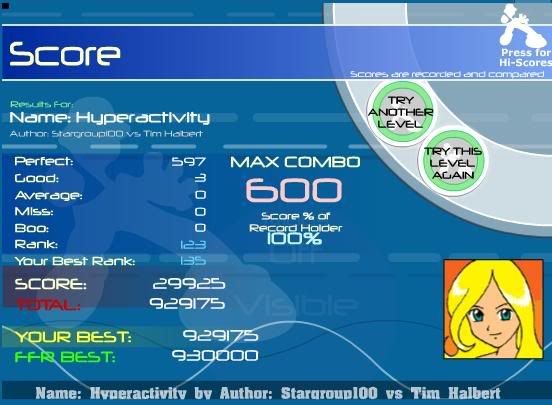
2. Go to paint, crop it and save it as a JPEG
3. Click 'advanced' on this page, press manage attachments, browse for your JPEG picture, upload and post quick reply.
This is just a quick way of posting a score. The picture will always be at the bottom of the text.
If you want to post it so you can place the image anywhere, and it is NOT an attachment, you can use www.photobucket.com or that imageshak.uk or something site... I don't use imageshak, so I'm not sure. Somebody can clarify it for me.




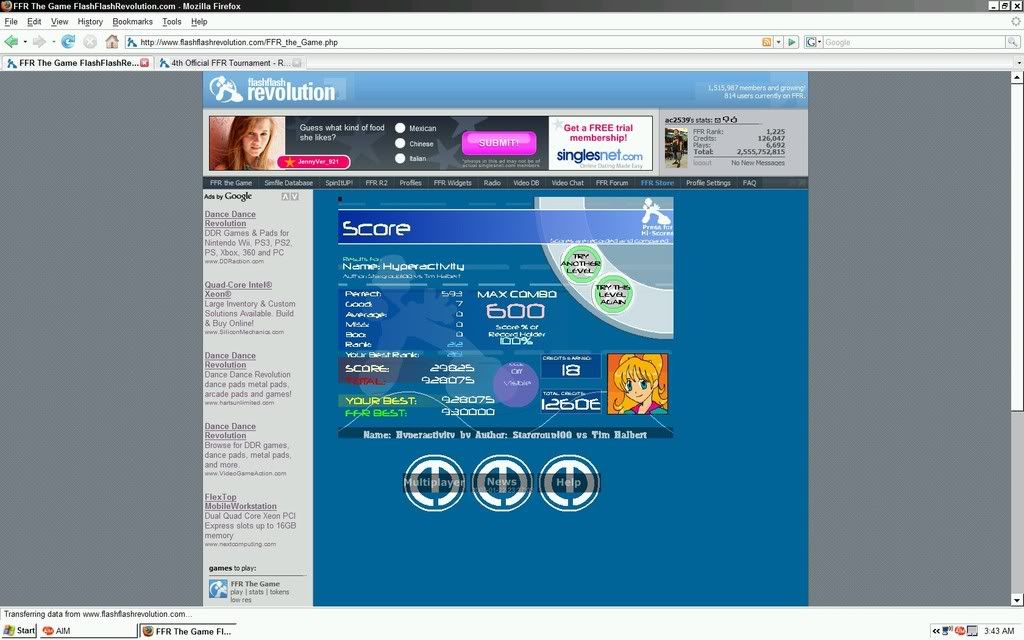


 )
)















Comment