2nd Unofficial FFR Tournament - Round 1!

Collapse
This topic is closed.
X
X
 
  • Time
  • Show
Clear All
new posts
  • Gergle810
    FFR Player
    • Mar 2008
    • 2

    #2131
    Re: 2nd Unofficial FFR Tournament - Round 1!

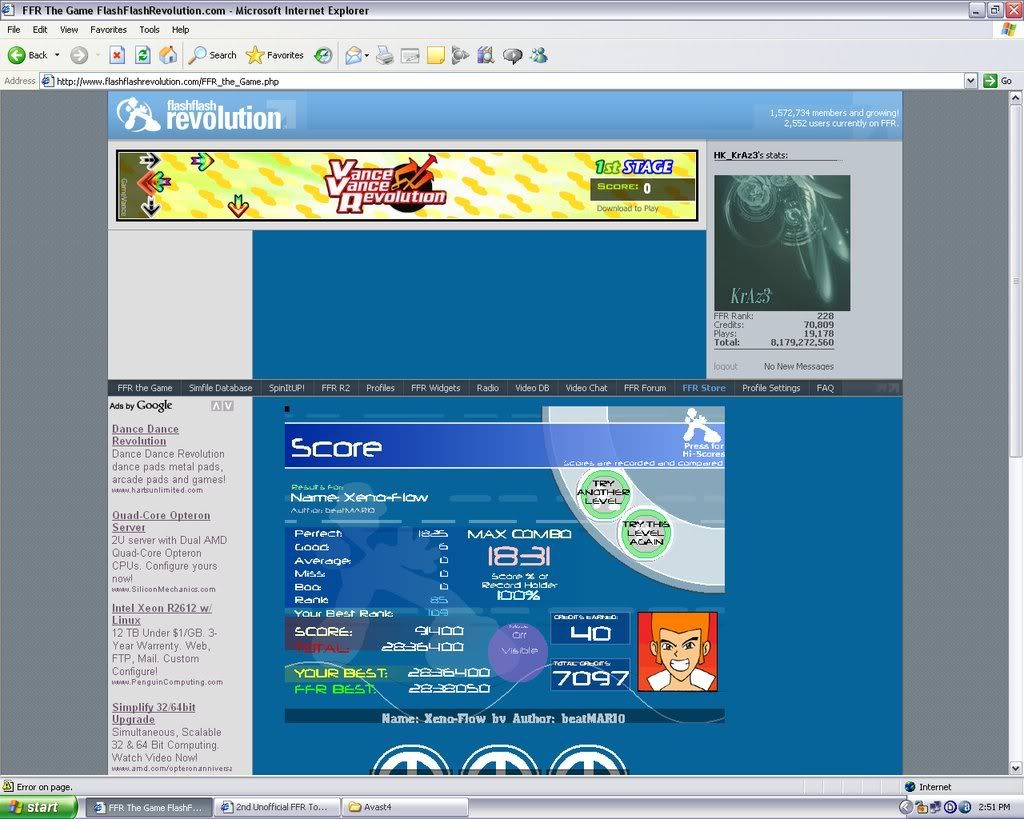
    pretty new to forums, not sure how to shrink the images ... dont kill me .. /wrists

    Last edited by Sprite-; 09-17-2008, 01:05 PM.

    Comment

    • HK_KrAz3
      FFR Player
      • May 2007
      • 222

      #2132
      Re: 2nd Unofficial FFR Tournament - Round 1!

      muc betta score rite here lol

      Comment

      • Sprite-
        HAVE ME WITH VODKA
        FFR Simfile Author
        • Aug 2005
        • 7317

        #2133
        Re: 2nd Unofficial FFR Tournament - Round 1!

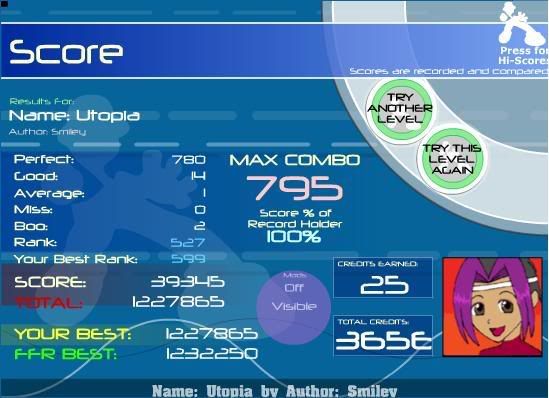
        Okay I'm done rofl. All goods at the end again. I thought I had the AAA
        Last edited by Sprite-; 09-17-2008, 01:05 PM.

        Comment

        • CosmicRain
          FFR Player
          • Oct 2007
          • 127

          #2134
          Re: 2nd Unofficial FFR Tournament - Round 1!

          I think this should get me passed this round. If not... well... I'll try again.
          Last edited by Sprite-; 09-17-2008, 01:05 PM.
          FFR Official Tournament (Division 4)
          1) Tambourin Chinosis (AAA)
          2) Garyuutensei (AAA)
          3) Szamar Madar (AAA)
          4) Brandish Headless (5-0-0-0)
          5) Setsujou! Hyakka Ryouran! (4-0-0-0)
          6) Yorukumoryuu Yamikaze (11-1-0-3)
          7) Piano Etude (Gymnastics) (---)

          Status: Eliminated (Rank: 16)

          Comment

          • Soldat_of_life
            FFR Veteran
            • Aug 2007
            • 106

            #2135
            Re: 2nd Unofficial FFR Tournament - Round 1!

            The best way to shrink an image (at least how I would do it) is to go in Microsoft Paint (or maybe photoshop....I'm not used with that one though) and select you image, then select the menu written ''image'' and then select from the drop down menu ''Stretch/shrink'' (or however they say to make smaller the image). You then select the % horizontally and then vertically and voilą ^^

            Poetry Corner

            Comment

            • cal607
              kankles
              • Mar 2005
              • 106

              #2136
              Re: 2nd Unofficial FFR Tournament - Round 1!


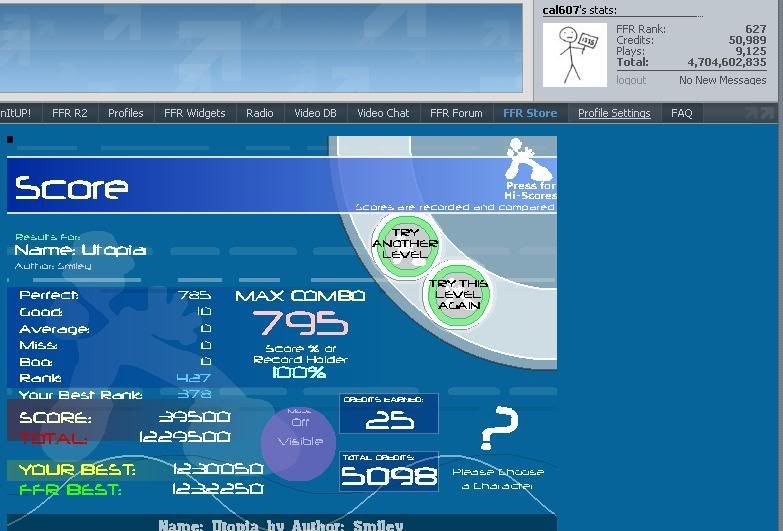
              hoping to get better than that crap. Random goods blow.

              Comment

              • unkanown444
                FFR Veteran
                • Jul 2005
                • 135

                #2137
                Re: 2nd Unofficial FFR Tournament - Round 1!

                uggh that 16th note run is killing me -.-

                Last edited by unkanown444; 09-13-2008, 01:43 PM.

                Comment

                • mike2727
                  FFR Player
                  • Feb 2007
                  • 971

                  #2138
                  Re: 2nd Unofficial FFR Tournament - Round 1!


                  AAA'd
                  Last edited by mike2727; 09-13-2008, 01:42 PM.


                  Best FC's: Adult's Sketchbook, Turbulence, Hellbeat v1


                  Want a favourites category in FFR? If so, click
                  Here.

                  Comment

                  • Godel
                    FFR Veteran
                    • Apr 2008
                    • 130

                    #2139
                    Re: 2nd Unofficial FFR Tournament - Round 1!


                    Woot
                    [center]

                    Use MyAnimeList? Join the FFR Club! Details here

                    Comment

                    • kmay
                      Don't forget me
                      • Jan 2007
                      • 6526

                      #2140
                      Re: 2nd Unofficial FFR Tournament - Round 1!

                      Originally posted by Soldat_of_life
                      The best way to shrink an image (at least how I would do it) is to go in Microsoft Paint (or maybe photoshop....I'm not used with that one though) and select you image, then select the menu written ''image'' and then select from the drop down menu ''Stretch/shrink'' (or however they say to make smaller the image). You then select the % horizontally and then vertically and voilą ^^
                      or even easier if u go to the bottom right of then picture in paint there is a little gray square just drag that to crop the image

                      Comment

                      • Nightfirecat
                        ...back from the dead.
                        • Nov 2006
                        • 3213

                        #2141
                        Re: 2nd Unofficial FFR Tournament - Round 1!

                        Originally posted by Soldat_of_life
                        The best way to shrink an image (at least how I would do it) is to go in Microsoft Paint (or maybe photoshop....I'm not used with that one though) and select you image, then select the menu written ''image'' and then select from the drop down menu ''Stretch/shrink'' (or however they say to make smaller the image). You then select the % horizontally and then vertically and voilą ^^
                        Or you could do what kmay suggested... Or you could just use the box select tool and select what you want, and copy that, and paste it into a new window of paint.

                        In photoshop, you use the crop tool and select what you want to NOT be deleted, and you hit ok, and you're left with that.


                        [My Profile] | [My Music] | [Play FFR] | [My Photobucket] | [My DeviantArt]

                        AAAs: 210 (186+7+17)
                        Best AAAs: Vertex BETA, Fighting for Control, Nova Pulser
                        Recent AAAs: {Firestorm}, Dazzling Destiny, Hellbeat v2p

                        2nd place in 3rd Official Tournament
                        1st place in Jugglin/Jteh's 1st Tournament

                        Comment

                        • Netjet!
                          Sic itur ad astra
                          FFR Simfile Author
                          • Jan 2008
                          • 4701

                          #2142
                          Re: 2nd Unofficial FFR Tournament - Round 1!

                          Phynx, can you put me in beginner? I can't do any of the intermediate songs :/
                          RIP Steve Van Ness <3

                          Comment

                          • Sprite-
                            HAVE ME WITH VODKA
                            FFR Simfile Author
                            • Aug 2005
                            • 7317

                            #2143
                            Re: 2nd Unofficial FFR Tournament - Round 1!

                            Originally posted by Netjet!
                            Phynx, can you put me in beginner? I can't do any of the intermediate songs :/
                            You've only seen one of them.

                            Comment

                            • Oni-Paranoia
                              No fucks
                              • Dec 2006
                              • 2440

                              #2144
                              Re: 2nd Unofficial FFR Tournament - Round 1!

                              Originally posted by Sprite-
                              You've only seen one of them.
                              LOLOLOL

                              Anyways...
                              Place holder

                              Comment

                              • Milli
                                FFR Player
                                • Jul 2006
                                • 57

                                #2145
                                Re: 2nd Unofficial FFR Tournament - Round 1!

                                what I do:

                                1.Play song
                                2.Press print screen button
                                3.Open paint
                                4.Ctrl+v
                                5.Use box tool to select the game window and ctrl + x
                                6.Open new paint window (do not save first one)
                                7.Ctrl+v
                                8.Save as
                                9.Upload picture to Photobucket
                                10.Copy image link and post in thread
                                11.?????
                                12.Profit

                                Comment

                                Working...