

Re: Free skype premium for a year
http://www.google.com/googlevoice/about.html
When you sign up for Google Voice, you are given a phone number. You can make and receive calls from this number just like it was a normal phone, except that the computer sends it over the Internet. You can use your computer as a "house phone" if it's always on. There's also call forwarding, so you only need a SINGLE phone number and any calls that come in on that number will be forwarded to any number you associate with your account, like a house phone, an office phone, a cell phone, etc. You can also use an app on your smartphone that lets you send calls using your Google Voice number. The official app will let your send calls using your GV number but over your phone's mobile voice plan. Third party apps allow you to use your Android or iOS smartphone/tablet to make and receive voip calls just like your PC.
It'll also transcribe your voicemails, so you can choose to read them instead of listen to them to save time. You can also send and receive SMS messages from PCs, smartphones, and tablets over your Internet connection.
For free.
It seems that they do charge for calls to international numbers, but the prices seem competitive and affordable.
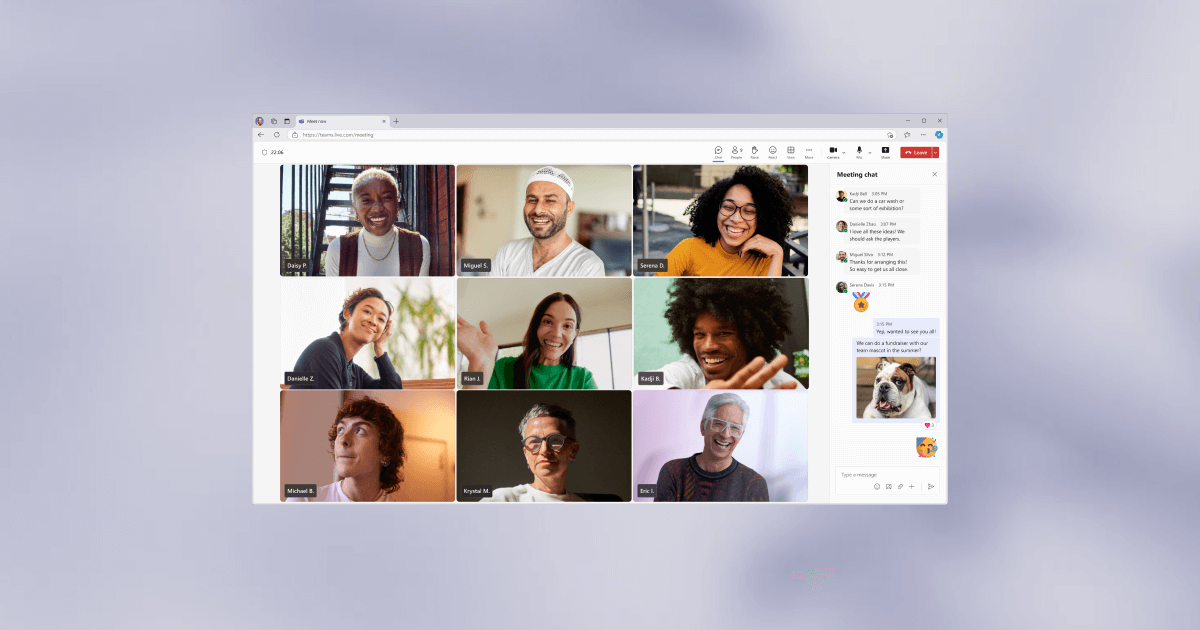
ps your Google account would also be useful with Google Hangouts. Features for that service include instant messaging from one Google account to another, account-to-account voice calling like free Skype, video calling, and, I believe, even video conferencing. All for free. Derp.
http://www.google.com/googlevoice/about.html
When you sign up for Google Voice, you are given a phone number. You can make and receive calls from this number just like it was a normal phone, except that the computer sends it over the Internet. You can use your computer as a "house phone" if it's always on. There's also call forwarding, so you only need a SINGLE phone number and any calls that come in on that number will be forwarded to any number you associate with your account, like a house phone, an office phone, a cell phone, etc. You can also use an app on your smartphone that lets you send calls using your Google Voice number. The official app will let your send calls using your GV number but over your phone's mobile voice plan. Third party apps allow you to use your Android or iOS smartphone/tablet to make and receive voip calls just like your PC.
It'll also transcribe your voicemails, so you can choose to read them instead of listen to them to save time. You can also send and receive SMS messages from PCs, smartphones, and tablets over your Internet connection.
For free.
It seems that they do charge for calls to international numbers, but the prices seem competitive and affordable.
ps your Google account would also be useful with Google Hangouts. Features for that service include instant messaging from one Google account to another, account-to-account voice calling like free Skype, video calling, and, I believe, even video conferencing. All for free. Derp.




















Comment